Model Setup
Connect an OnlyFans model account to your organization and make your first API request.
What you'll need
Step 1 — Create an Organization
Navigate to Organizations in the sidebar. Click New Organization and give it a name that identifies your project or client.
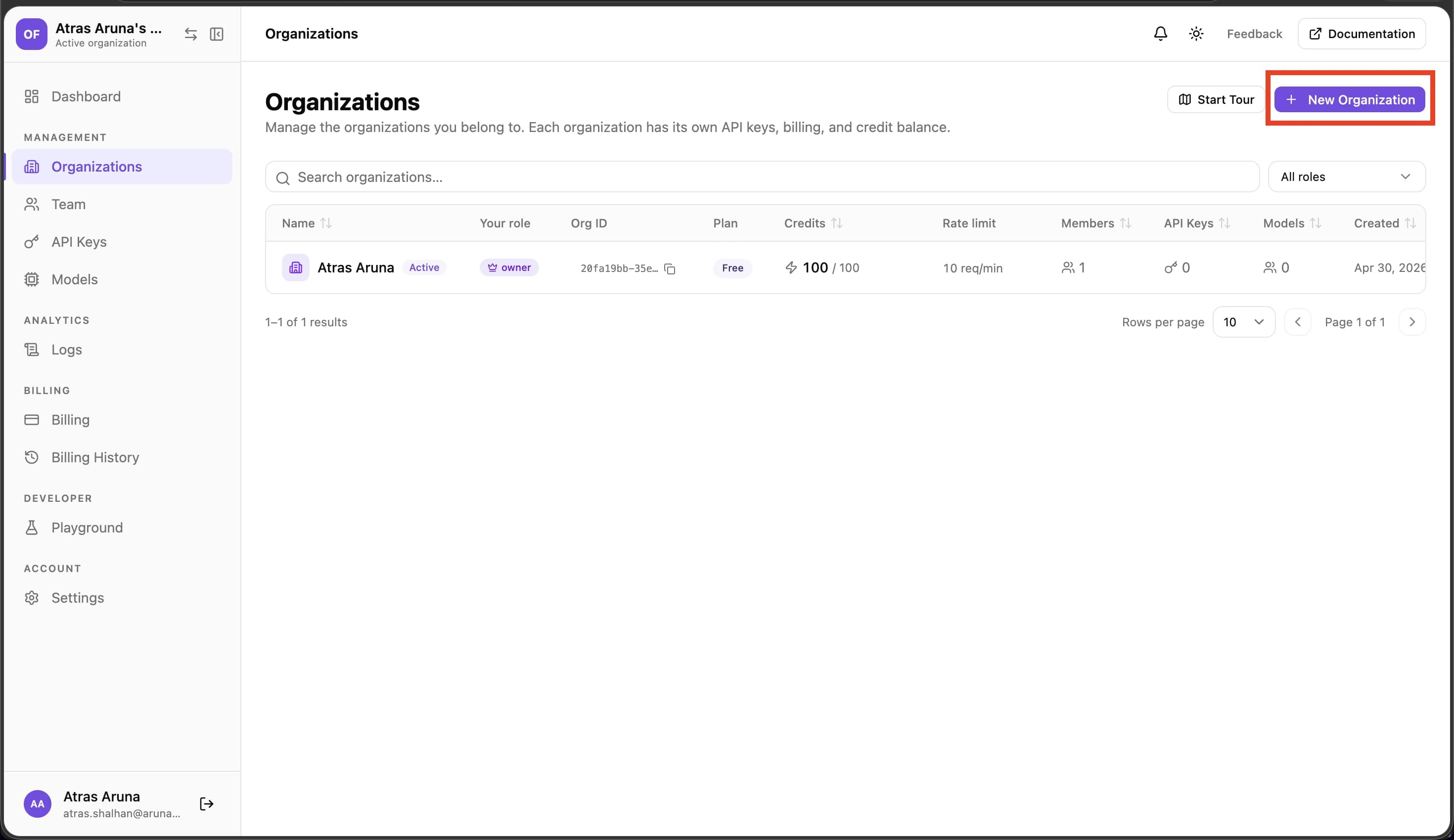
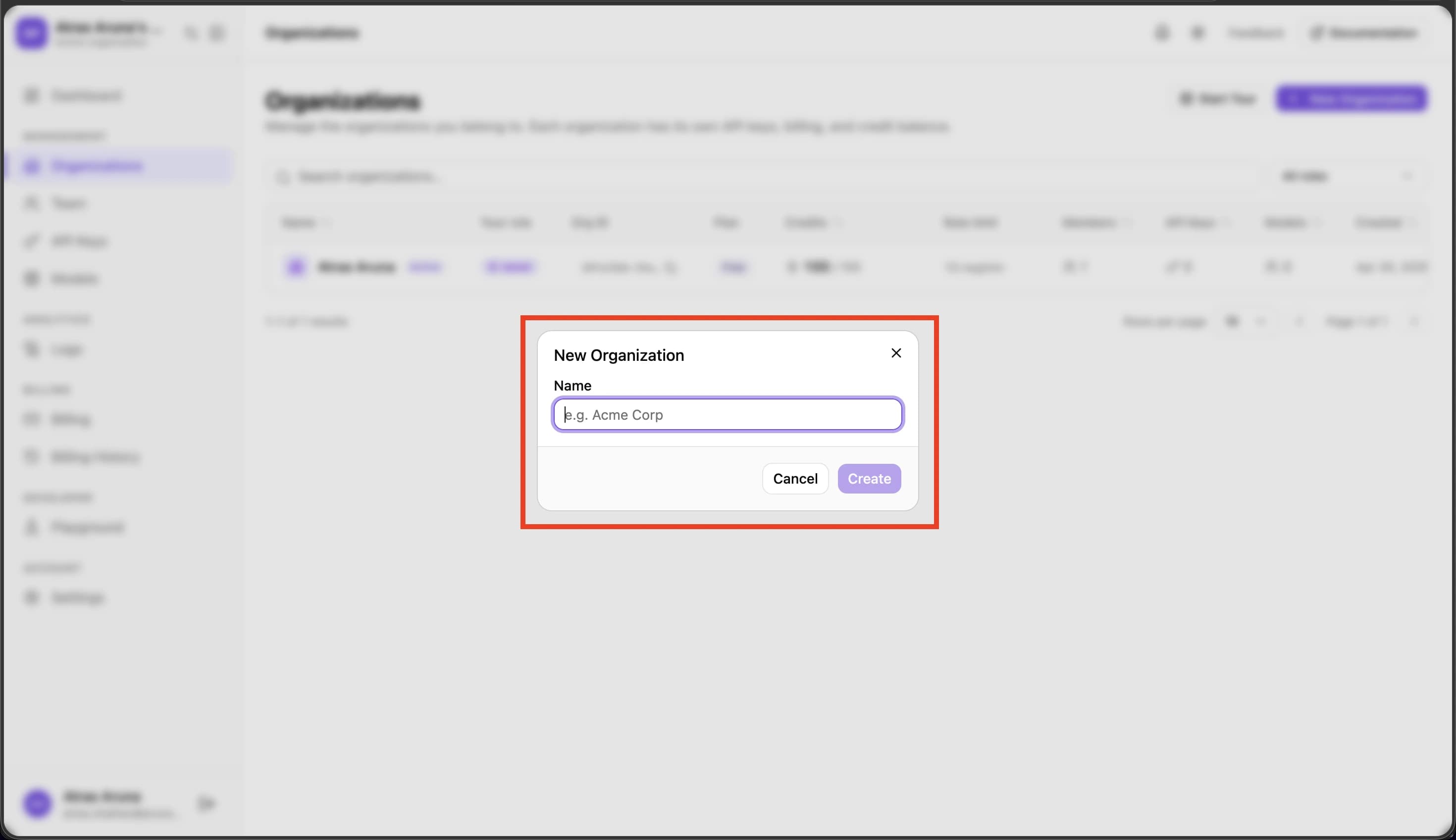
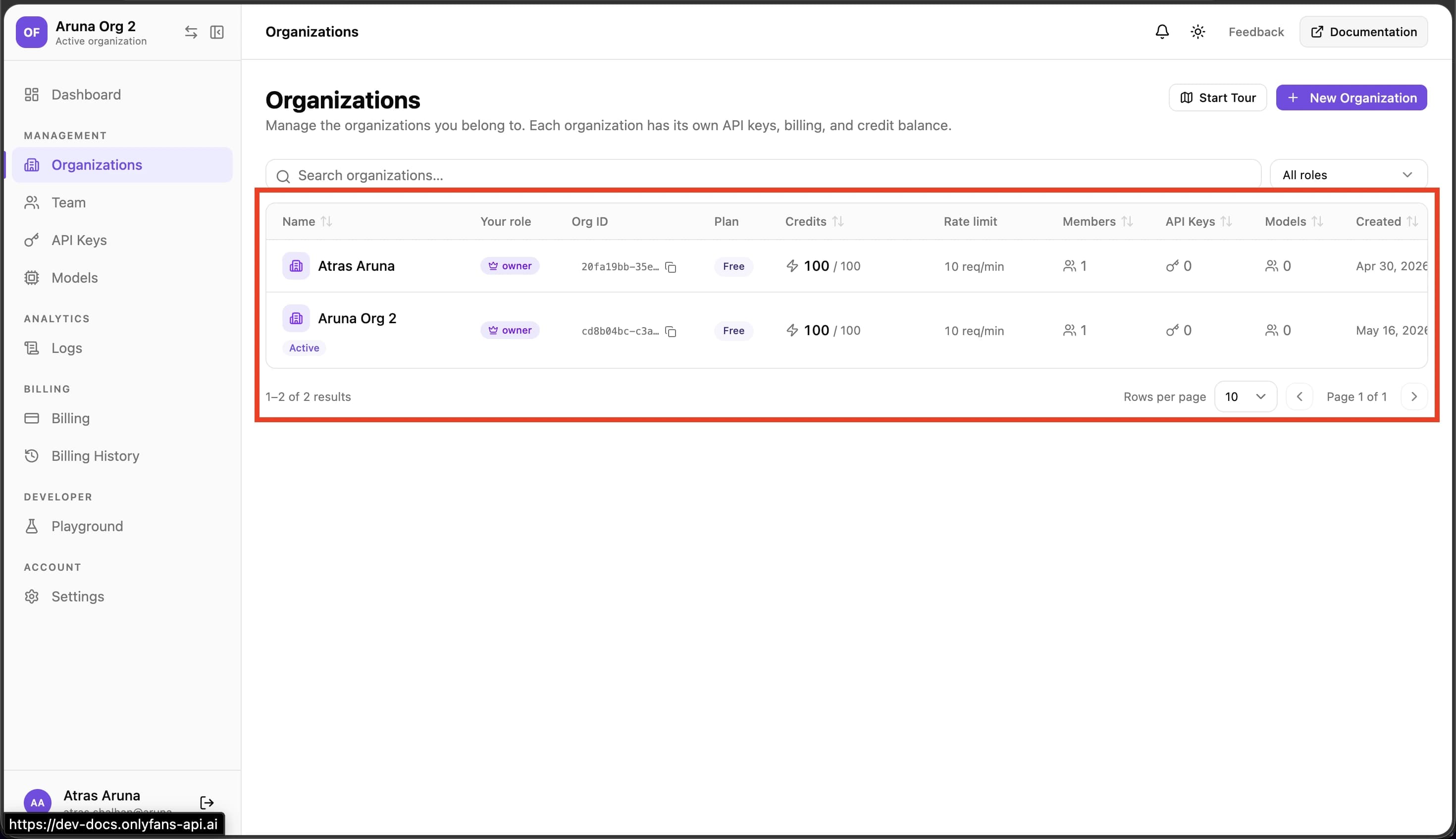
After creating, the organization appears in your list. You start on the Free plan with 100 credits.
Step 2 — Connect a Model
Navigate to Models in the sidebar. Click Connect model and enter the OnlyFans account credentials for the creator you want to connect.
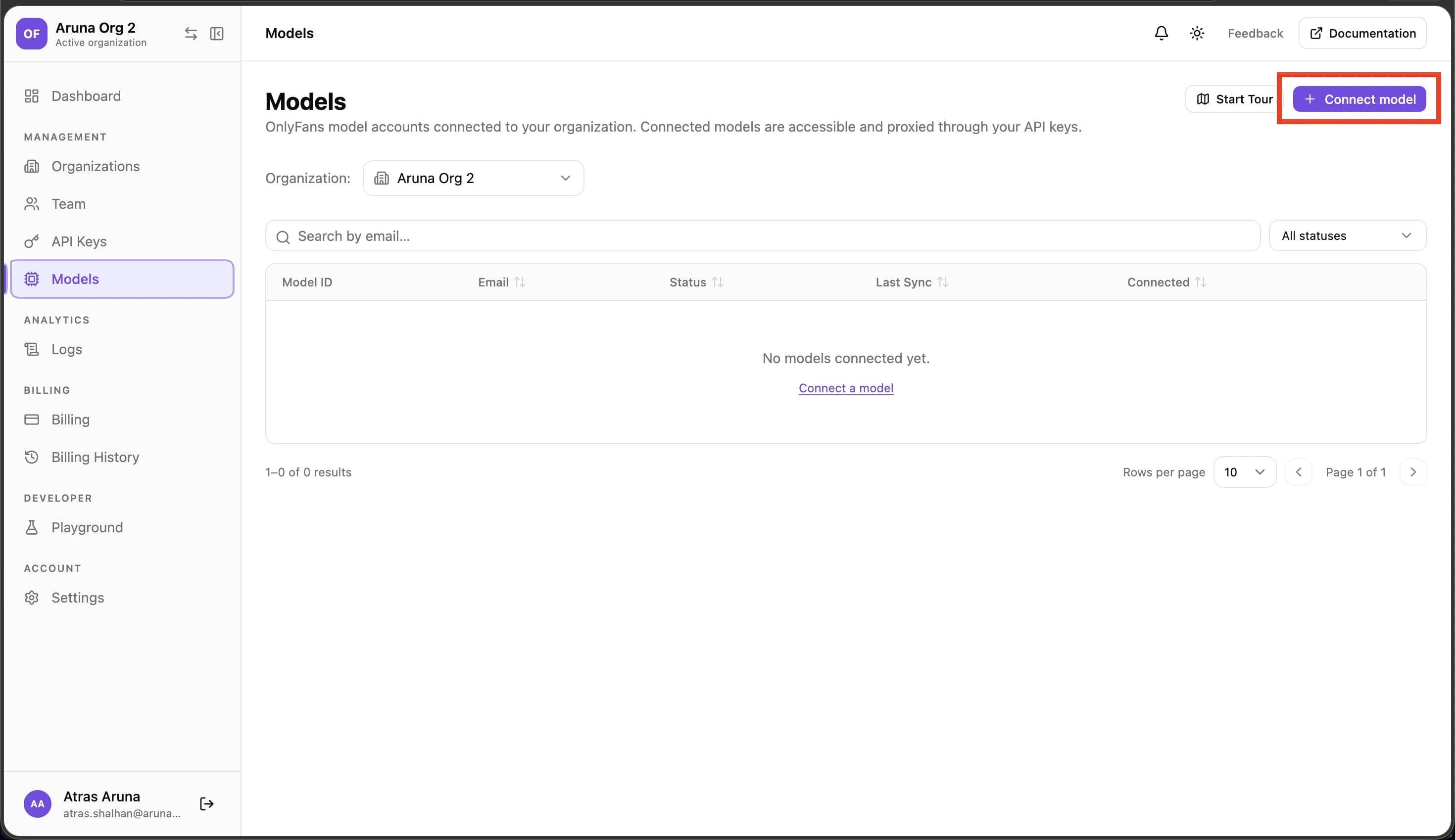
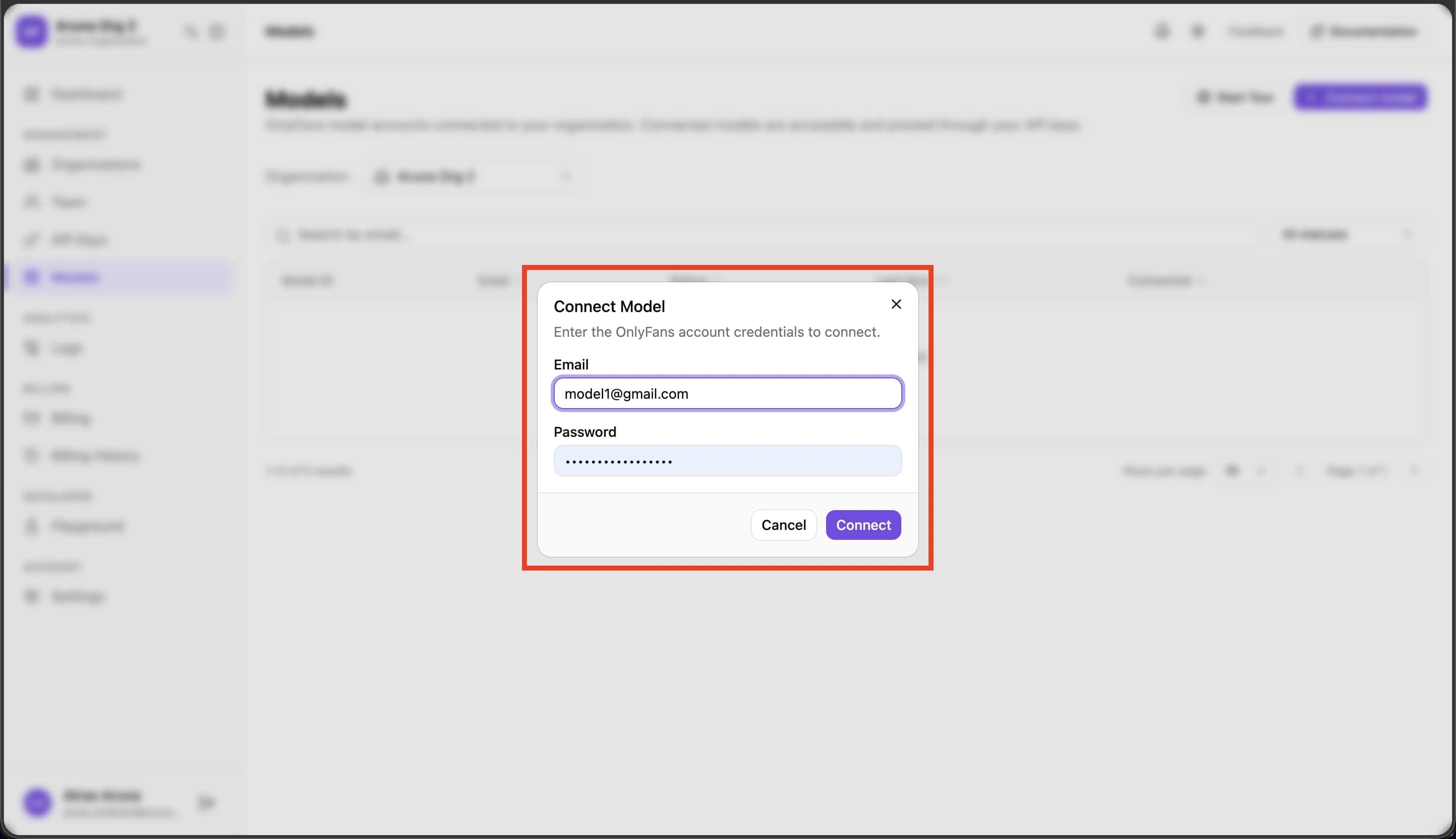
Connection takes 15–30 seconds
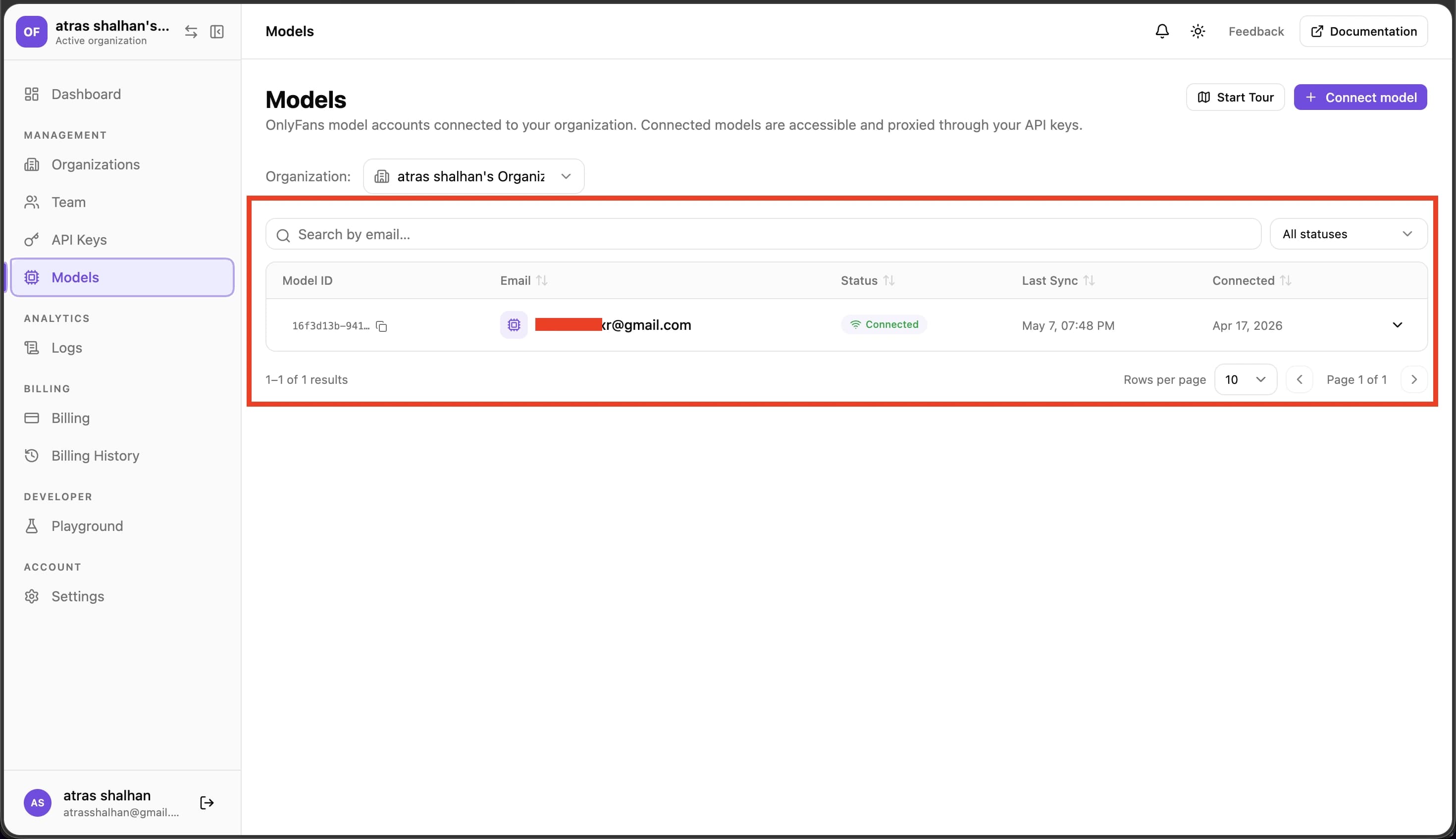
Once connected, the model appears with status Connected. Two identifiers are available for API requests: the internal Model ID (UUID) and the OnlyFans platform ID (numeric). Both can be used interchangeably in the :model_id path parameter of any endpoint.
Step 3 — Create an API Key
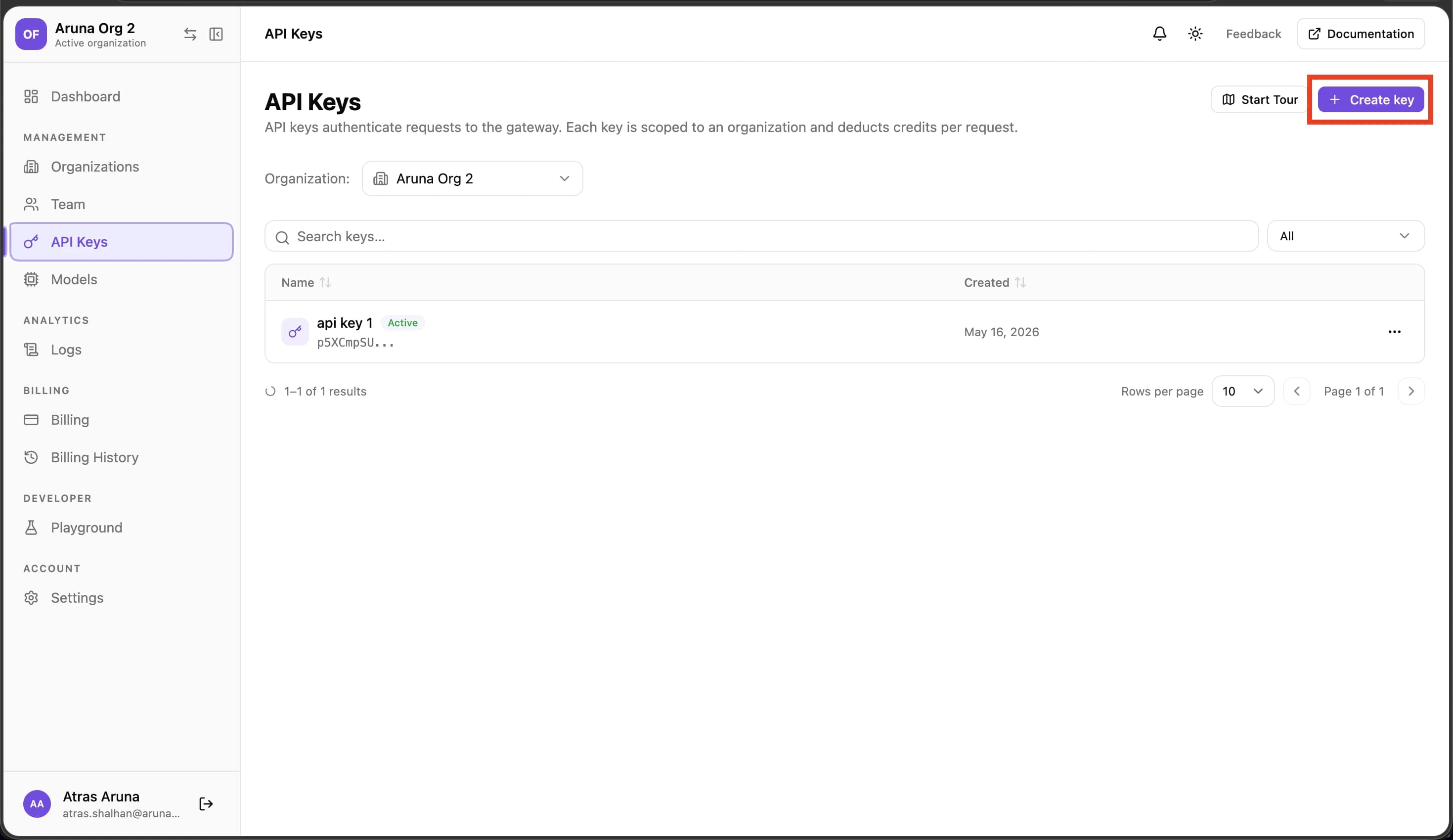
Navigate to API Keys and click Create key. Give it a descriptive name such as "Production" or "Development".
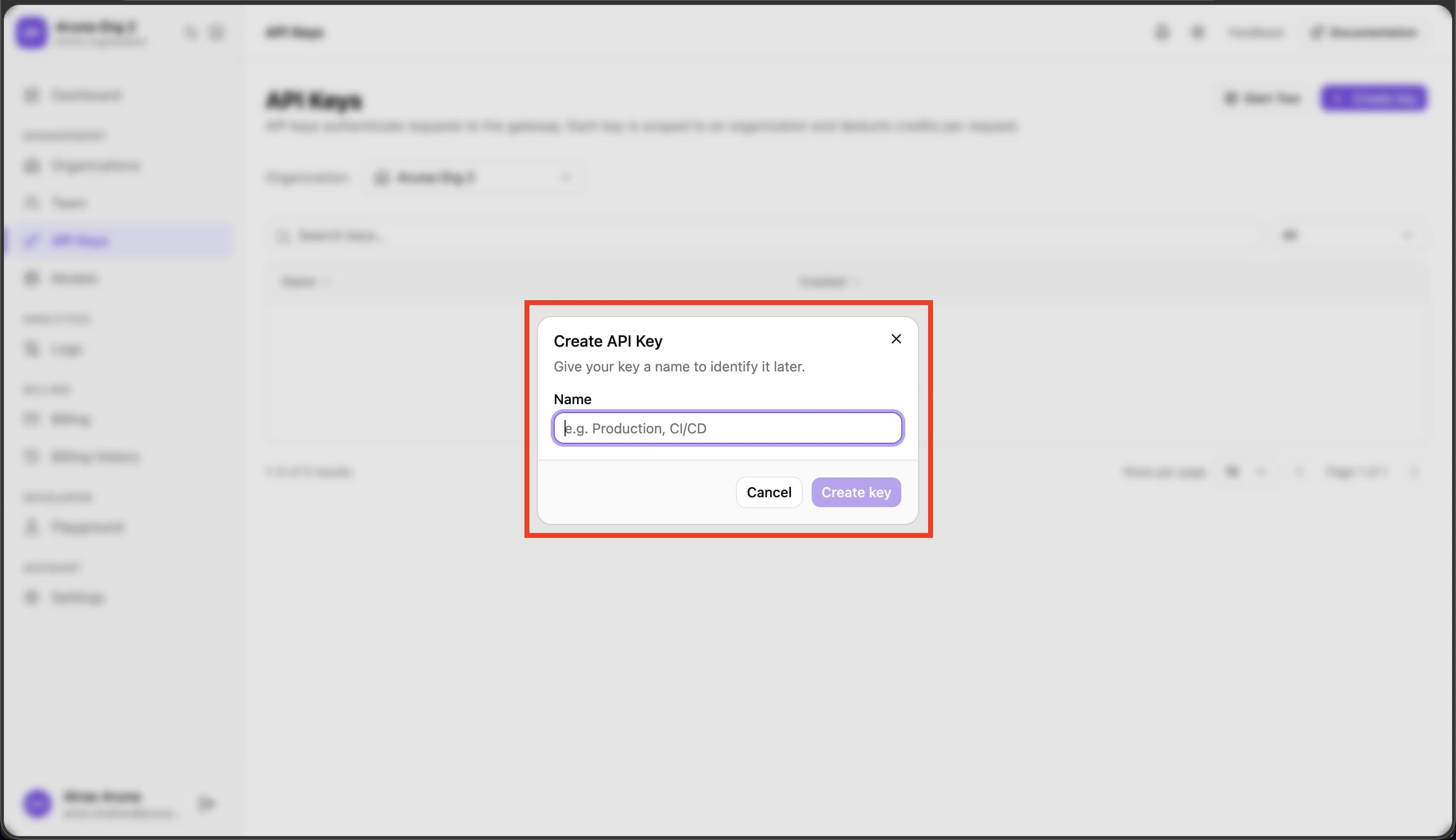
Save your key now
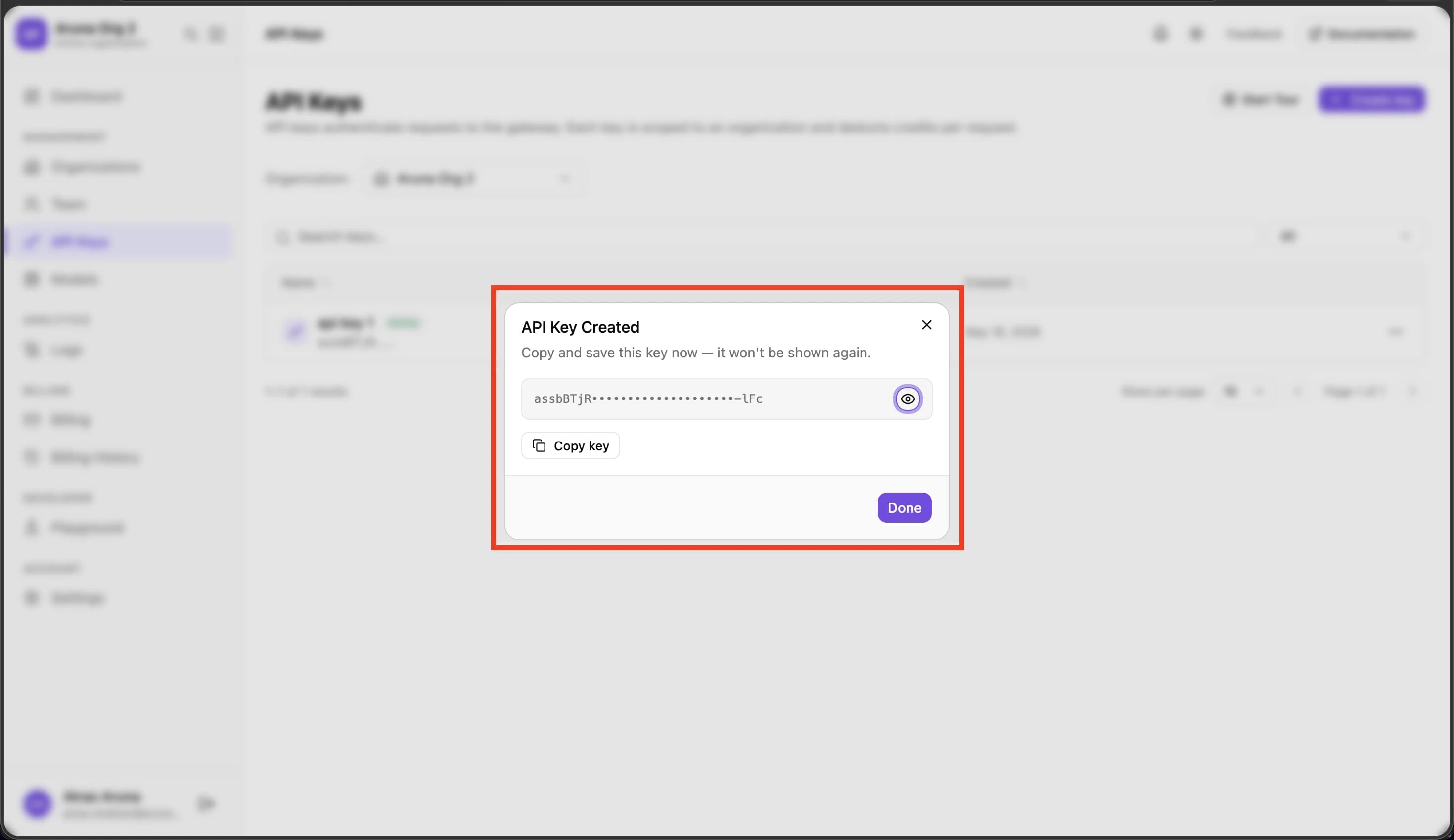
Step 4 — Make Your First Request
Use your API key in the X-API-Key header to call any proxy endpoint. Replace {model_id} with either the internal Model ID (UUID) or the OnlyFans platform ID from Step 2.
curl "https://api.onlyfans-api.ai/api/models/{model_id}/users/me" \
  -H "X-API-Key: sk_live_your_key_here"
Or use the Playground in the dashboard to send requests directly from your browser without writing any code.
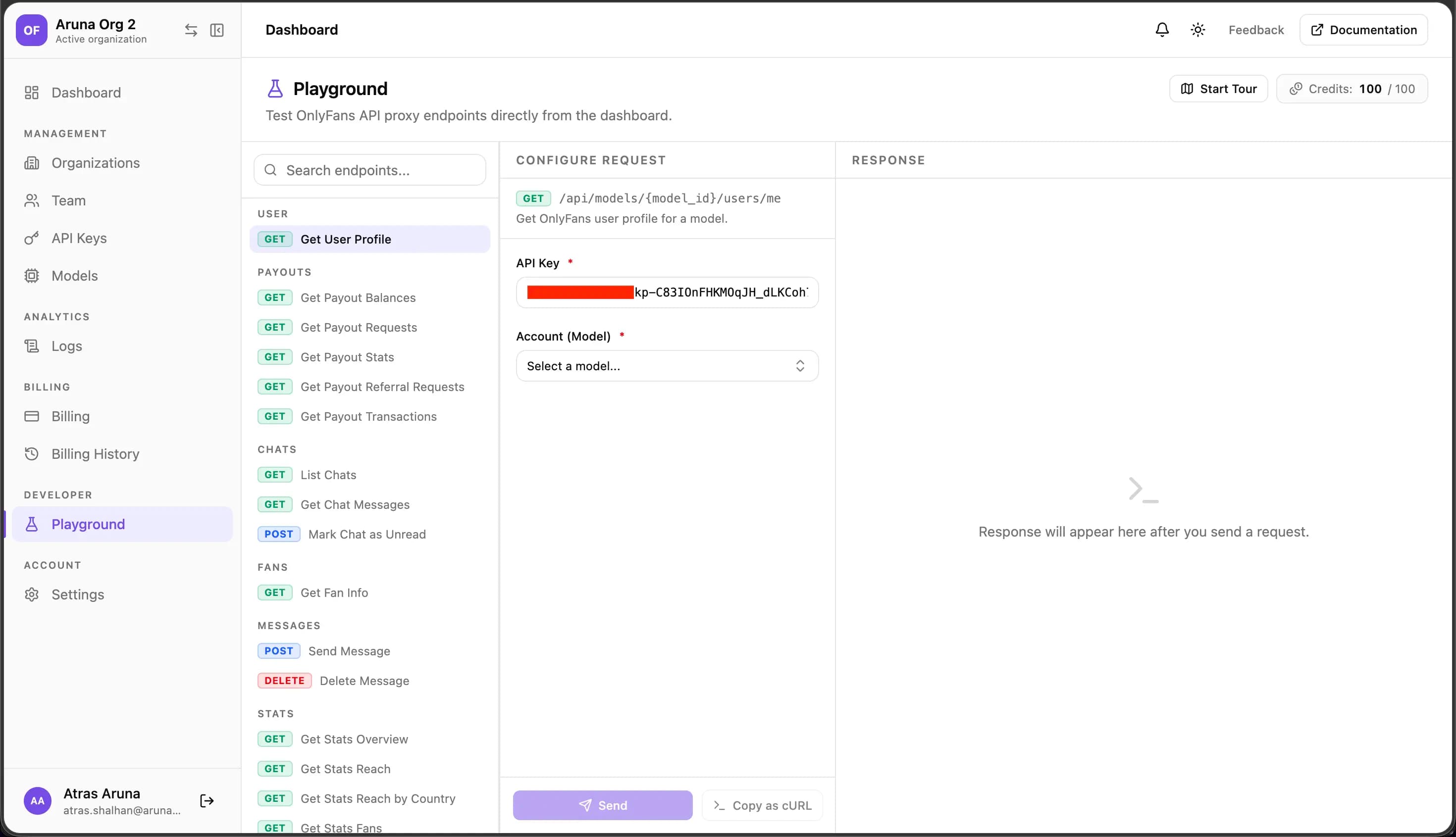
Connect and Reconnect via API
Both operations are available as API endpoints so you can automate model management from your own backend or test them directly in the Playground.
Connect a model
curl -X POST "https://api.onlyfans-api.ai/api/organizations/ORG_UUID/models" \
  -H "X-API-Key: sk_live_your_key_here" \
  -H "Content-Type: application/json" \
-d '{"email": "creator@example.com", "password": "your_password"}'{
"message": "Model connected successfully",
"model": {
"createdAt": "2026-01-15T10:30:00.000000+07:00",
"email": "creator@example.com",
"id": "16f3d13b-9415-4e6b-babe-e8db6b31bd97",
"platform_model_id": "523990756",
"status": "CONNECTED"
}
}Reconnect a disconnected model
curl -X POST "https://api.onlyfans-api.ai/api/models/MODEL_UUID/reconnect" \
-H "X-API-Key: sk_live_your_key_here"{
"message": "Model reconnected successfully",
"platform_model_id": "523990756"
}Test in Playground